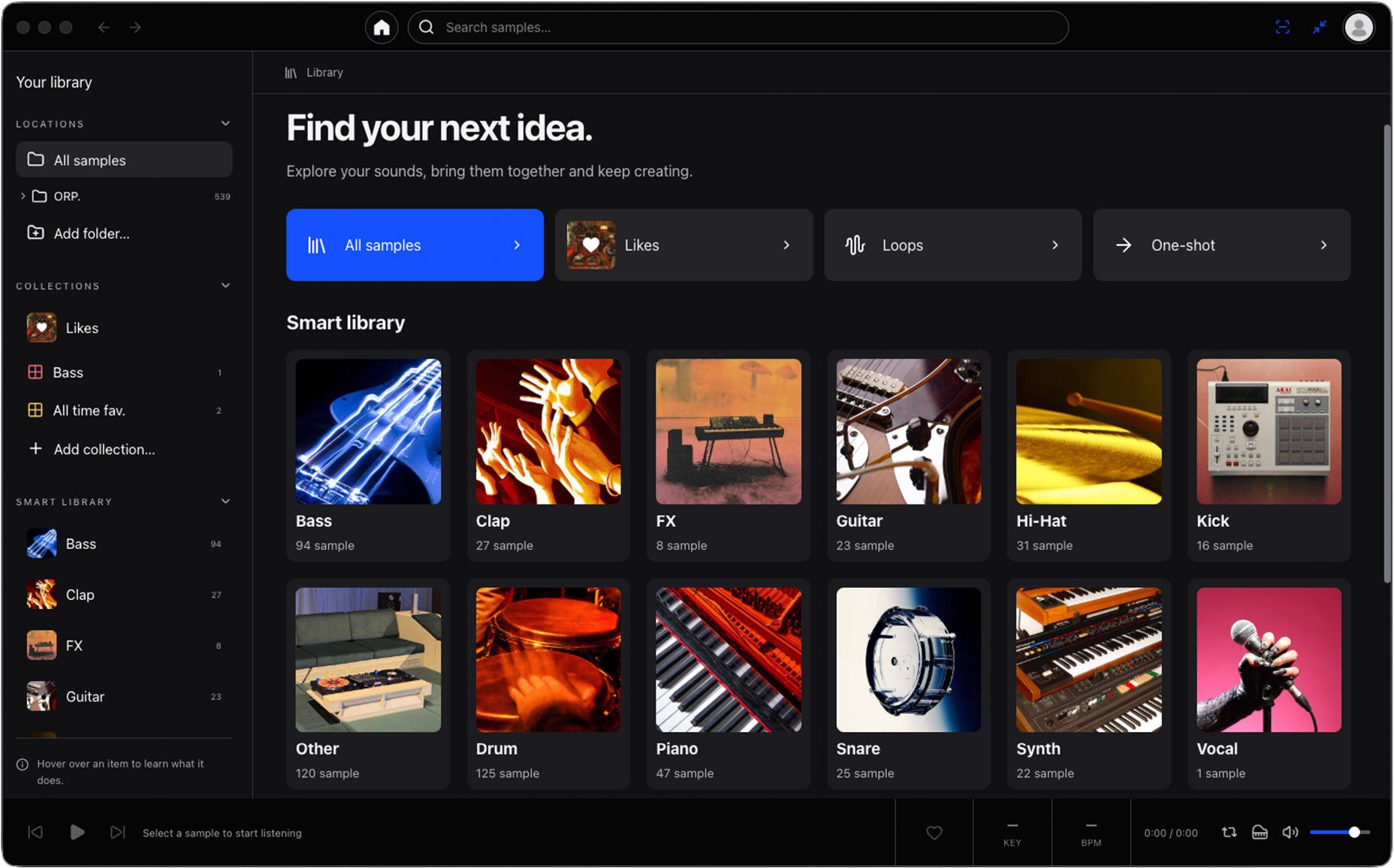
Find your folder. Hear your sound. Keep making music. ORP. 1.0.2 brings your desktop library into your project through a DAW plug-in.
ORP. Browser.
A DAW plug-in.
Use VST3 in Ableton Live or AU in Logic Pro. ORP. Browser connects to the ORP. library on the same computer: categories, Likes and collections work with one local archive. No separate plug-in license is needed.
See BPM and key beside each sample. Filter by name, category, type, BPM, key and scale. Audition from the row, seek on the waveform and drag the sound from its row or player into your project.
At your project’s tempo.
Sync BPM uses the tempo reported by your DAW. Audition a tempo-matched loop in the context of your track, then drag the matched sound into your DAW. Keep ORP. running so the plug-in can access your library.
Among your own sounds.
Choose a reference sample with Audio Match and audition related alternatives from your archive. This is not a new sample pack: it is a way to reconnect with the sounds already yours. Let your ears make the choice.
Setup, inside ORP.
The 1.0.2 Mac package includes VST3 and AU. Choose your format in Settings DAW plug-ins and select Install / update selected. Close open ORP. Browser instances first, then rescan your DAW’s plug-in list after installation.
In the existing Mac app, open your profile Updates Check for updates. When the download finishes, select Install and restart. If a scan is active, wait for it to finish first.
Where Windows stands.
Update, 15 October 2026: the Windows 10/11 x64 edition is available in Microsoft Store. Use Microsoft’s web installer on our Downloads page. The app version is 1.0.2 and the Store package version is 1.0.3.0; these identify the app and its Store package. Mac and Windows use the same account and license, but sample files and collections do not automatically sync between computers.